AI suggestions for ticket properties
Designed a feature that automatically populates ticket fields to reduce manual effort and improve data completeness.
My role
Research to dev handoff
Collaborators
1 PM, 2 Engineers
Year
2024
About Atomicwork
Atomicwork is an AI-powered service management platform that helps employees get support quickly and efficiently.
Challenge
Ticket fields left blank, workflows left untriggered
IT support agents (who handle employee tickets) need to fill in the correct ticket properties to ensure data completeness. This is important for accurate reporting and for triggering relevant workflows based on the ticket type. Since it involves manual effort, agents often skip it, or aren't sure what to fill in.

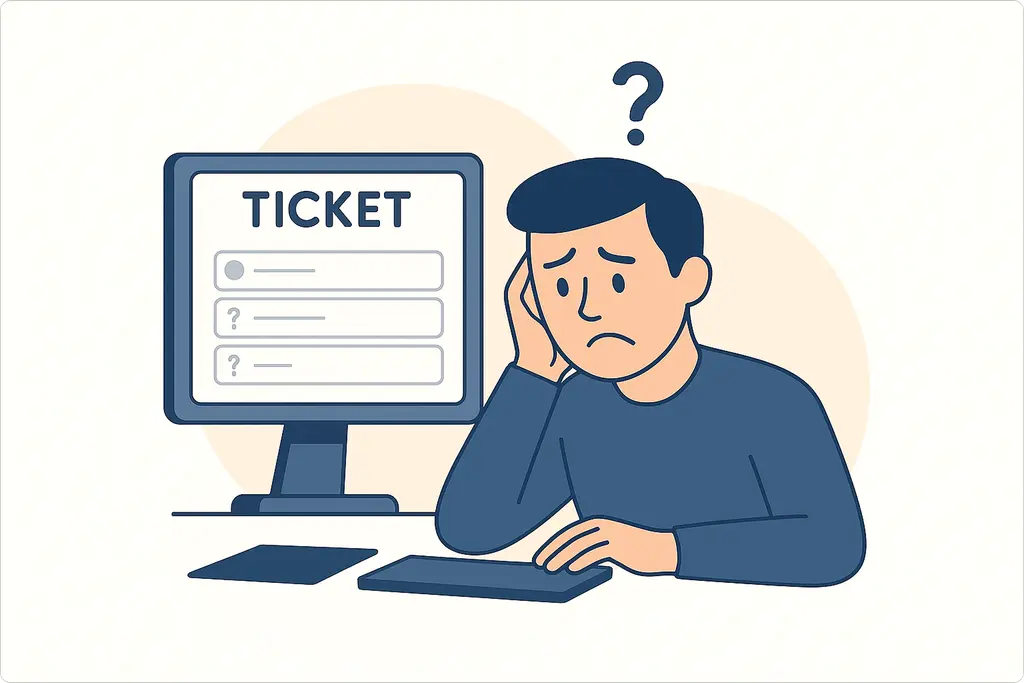
When ticket properties are left incomplete
Reports become unreliable
Incomplete fields mean dashboards and reports can't surface accurate trends or patterns.
Critical workflows aren't triggered
Workflows that depend on ticket properties never fire, leaving tasks unrouted and unresolved.
So, we set out to solve how we can ensure that the right and necessary data is captured in tickets to improve reporting and trigger the correct workflows.
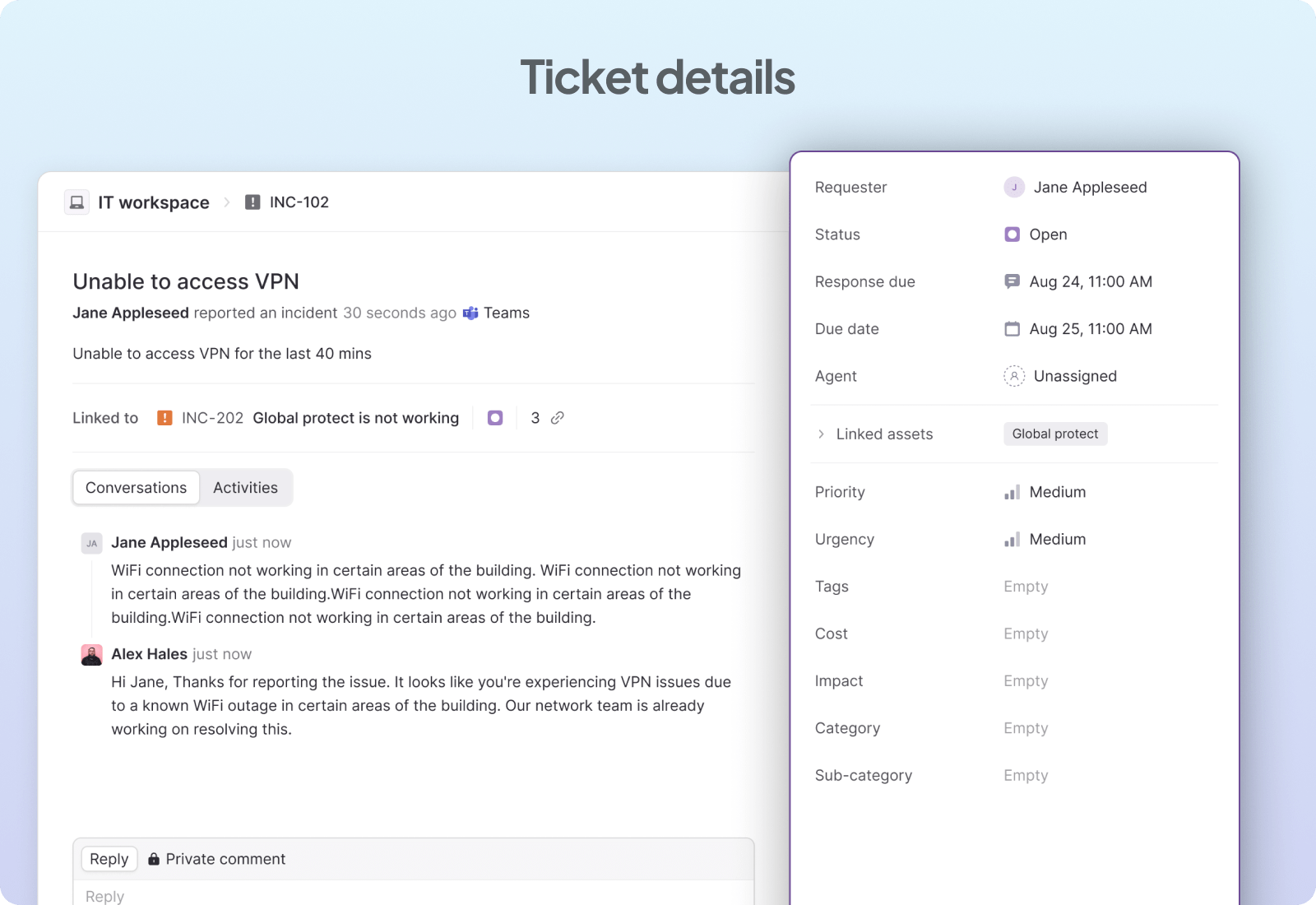
Example of a ticket details page showing an employee-reported VPN issue. Ticket properties (attributes) are displayed in the right panel.
Research
Talking to users
We initially spoke to our customers to understand the types of ticket properties they use and how they fill them. We observed that if a property isn't mandatory, they often leave it blank.
When a property is required, they fill it in, but in some cases, they need to rely on teammates to complete fields they're unsure about.
Approach
Recommend properties based on past ticket data
To reduce manual effort and help suggest the right data, we explored different ways to surface AI-powered property recommendations.
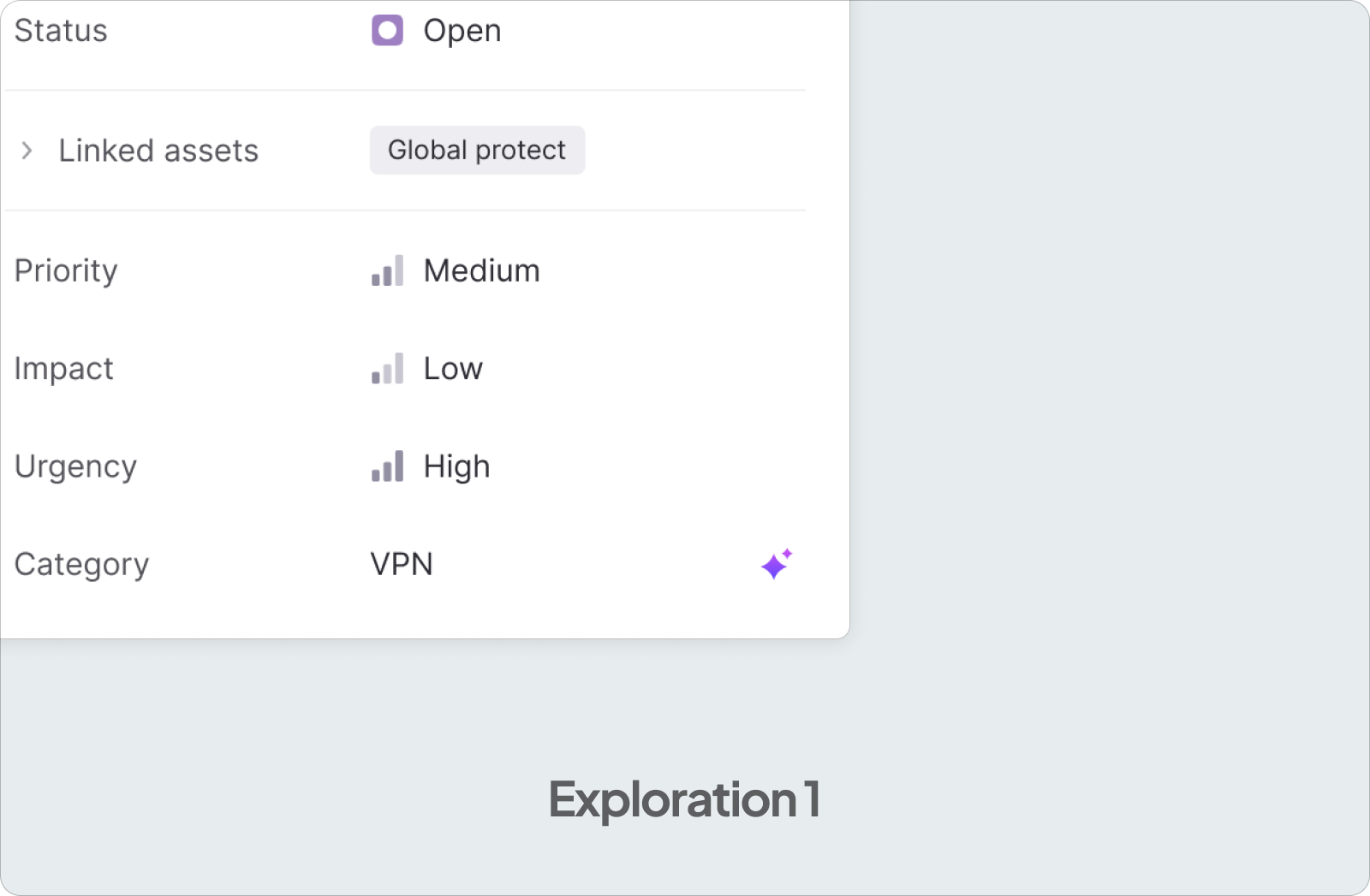
At first, I proposed automatically filling in the data and indicating it to the user. But the feedback I received was that AI suggestions may not always be accurate, and auto-filling might trigger a wrong workflow.
Contextual suggestions
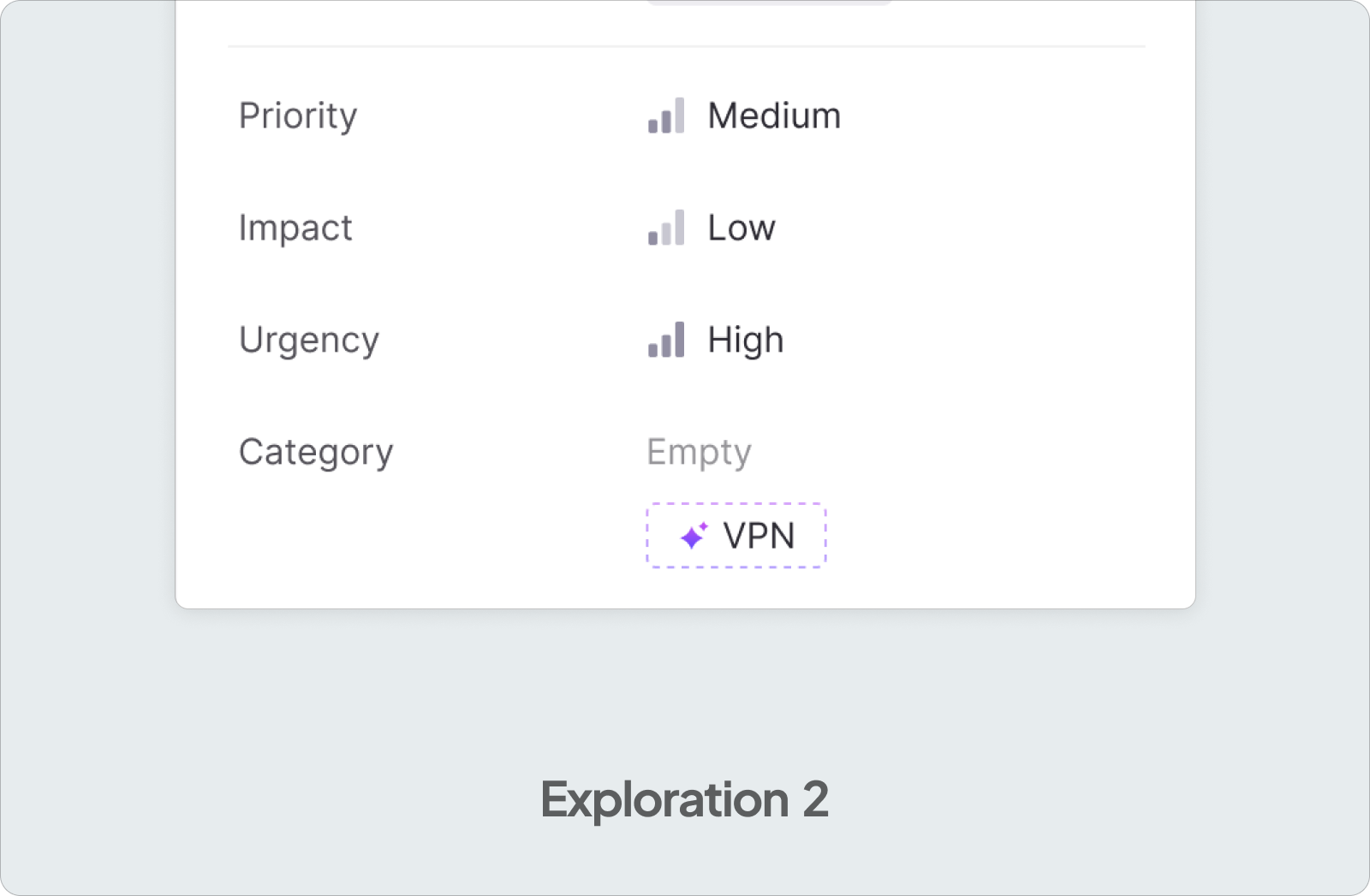
The second option I tried was to show contextual suggestions and let users apply them manually. However, during testing, we realized this involved too many clicks and became time-consuming.
Centralized suggestions
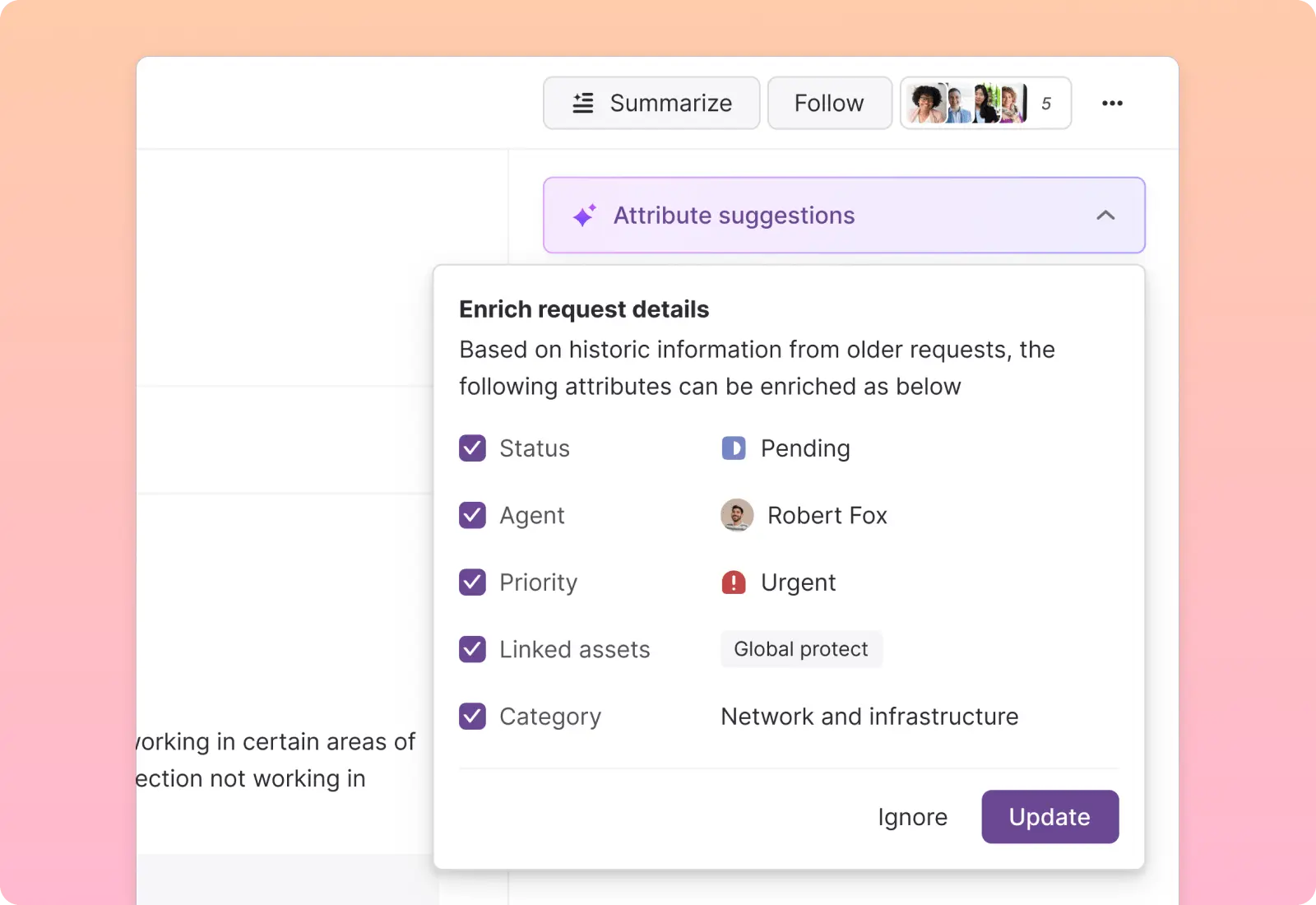
Combined all the suggestions into one centralized place where users can quickly review and apply everything with a single click.
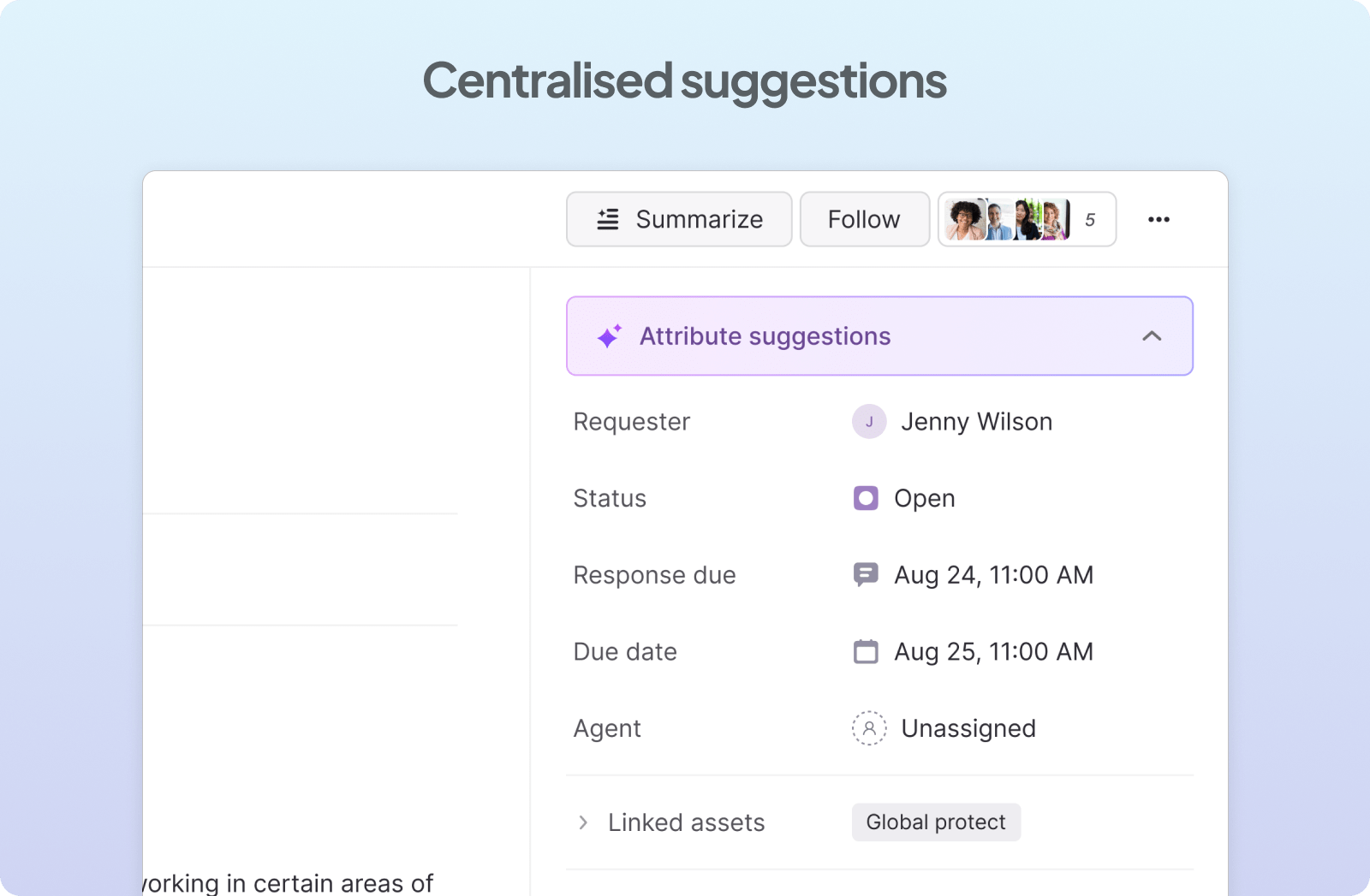
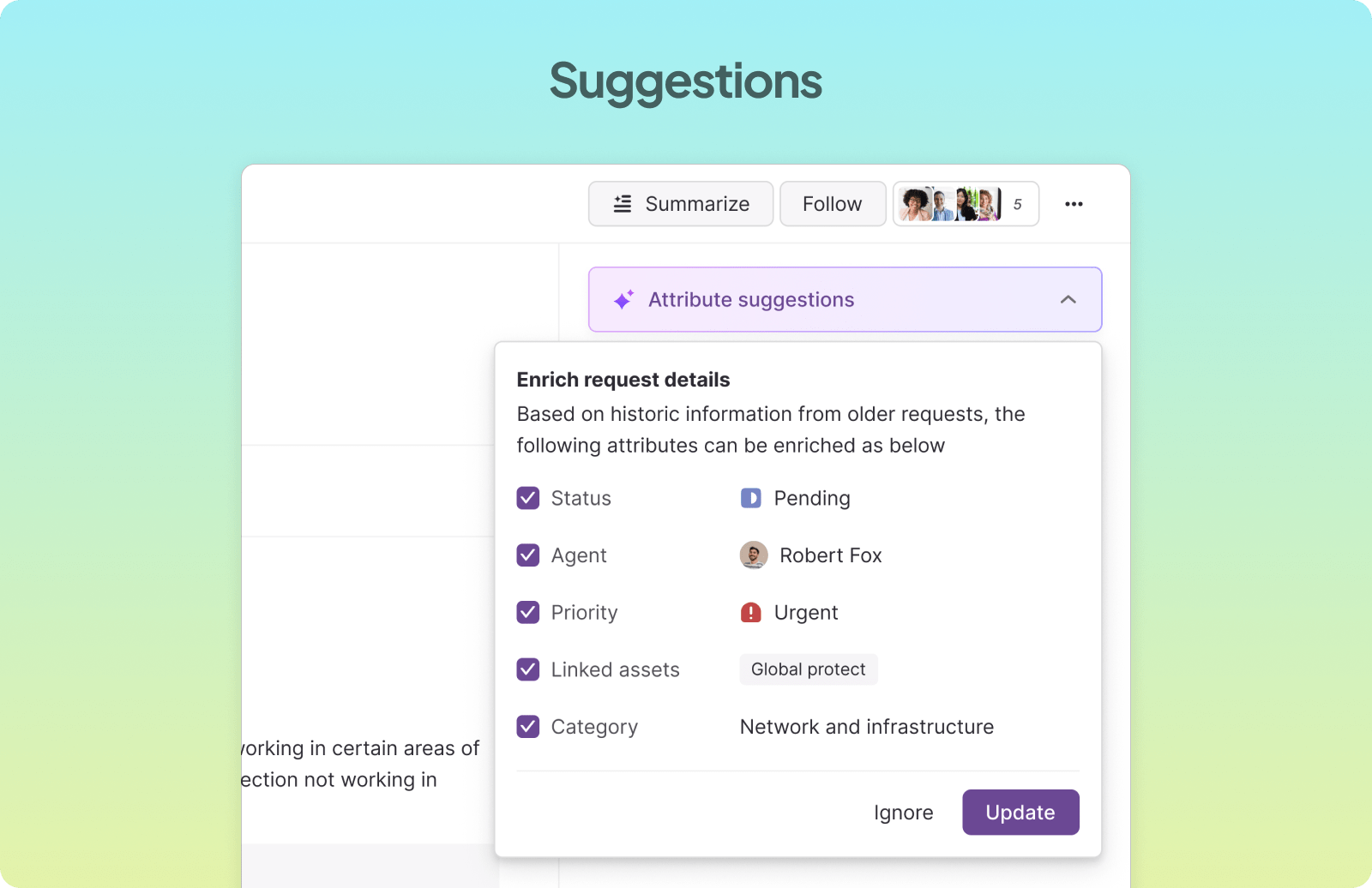
One place to review and apply all suggestions with a single click.
Prototype
See it in action
Outcome
Higher completion, less manual work
The feature shipped to all Atomicwork customers, helping agents get ticket data complete without the friction of doing it manually.
Up next